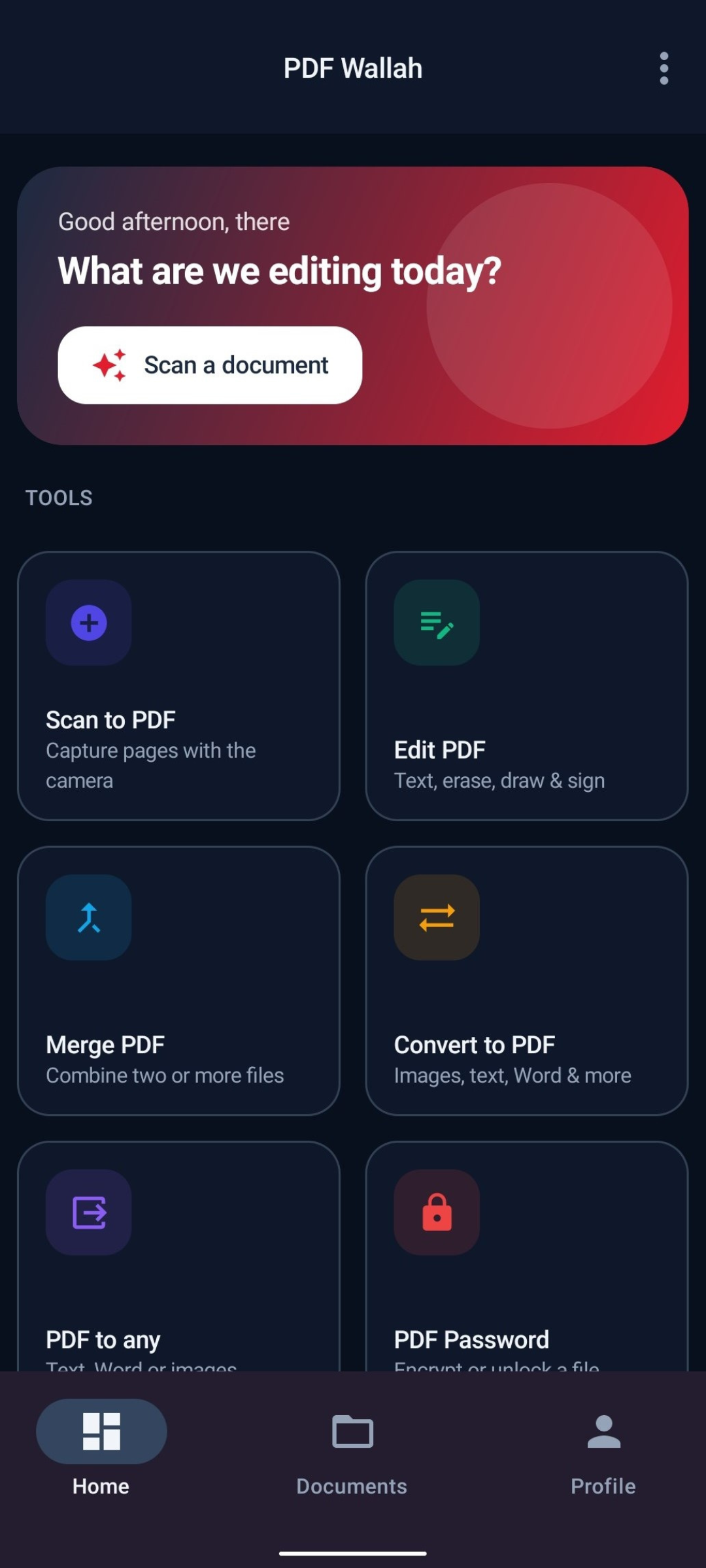
Ten screens, no polish added
Captured on a phone at 1080 × 2400. Select any shot to open it larger, then use the arrow keys or swipe to move through the set.
Swipe sideways for the rest
-
01Dashboard with every tool one tap away
-
02All seven tools on one screen
-
03Editing a document’s real text layer
-
04Setting AES encryption on a PDF
-
05Converting images and Office files to PDF
-
06Turning a PDF into text, Word or images
-
07Compressing to a target file size
-
08Saved documents with size and date
-
09The same home screen in light mode
-
10Save location, dark mode and profile
What the screens do not show
Compression softens text because it rasterizes pages. Office conversion carries text, not layout. Both are explained properly on the features page rather than glossed over here.